



 Ask Perplexity

A bill from your trusted vendor arrives; it's approved by the right people with every step on the record. Nothing is wrong with the bill, and it's ready to be paid. But what happens next is where the control you just applied stops following it.
You download vendor details from QuickBooks Online into a spreadsheet and enter each vendor's amount, one by one. You send the spreadsheet to your CFO, who replies "ok" from their phone the next morning. Then you post the checks, or key each payment into the bank portal by hand. Finally, the payment goes out.
What happened at payment can't be matched back to the approvals without real effort. Your approval process might be under control, but your bill pay process is a different story.
This isn't a one-off. It's a loop that keeps running and takes a little more out of the week every time.
It keeps happening because the bill approval process and the payment process are two separate worlds. Other than a column on a spreadsheet, there's nothing that links the bill approved to the funds about to leave your account. The spreadsheet, the bank portal, and the email threads aren't connected to the approval trail that came before them.
That's the control gap. There's no structure designed to close it, and it can become a real headache when something goes wrong.
Operational Bottlenecks & Manual Errors: Unstructured approval workflows cause delayed supplier payments, strained vendor relationships, and reconciliation failures
Lack of Segregation of Duties: Allowing a single employee to create, approve, and disburse payments without independent oversight creates an open pathway for internal theft.
Bank credentials get exposed: A payment run can only happen at the bank, so the person doing it signs in week after week with access to the entire account's funds, rather than what's needed to actually pay the bills. This opens potential risks of fraud exposure if those credentials are ever shared or stolen.
Check Fraud as an alternative to bank credential exposure: Physical paper checks expose full routing and account numbers, making them vulnerable to mail theft, alteration, and counterfeiting.
A payment that doesn't match what was approved: Rekeying vendor details into the bank portal means errors might slip through, and an amount edited after approval can go undetected.
Hours of reconstruction at audit season: Proof of bill approval and payment authorization is scattered across email, messages and the bank portal. Answering an auditor's question about how a payment was processed means rebuilding the trail from separate sets of records that never connect.
If a payment is ever questioned by an auditor or your board, a spreadsheet and an email thread are scraps, not an audit trail. A complete, unbroken record from approval to payment is what holds up.
The finance teams who've fixed this describe the same outcome. In their words, the payment run goes quiet.
✔️ The payment run happens on schedule, with nobody chasing sign-off over email
✔️ Clear permissions between those approving bills, approving payment runs, and actually submitting payment runs, so errors and insider fraud can hardly slip through.
✔️ Paying a bill doesn't require a bank login, so nobody holds more access than the approved bills need
✔️ Nobody re-keys vendor details or amounts, so what leaves the account is what was approved, and any anomalies with the payment details are flagged before money moves
✔️ When a payment is questioned, the answer is one timestamped record from bill approval to payment, with no email archaeology
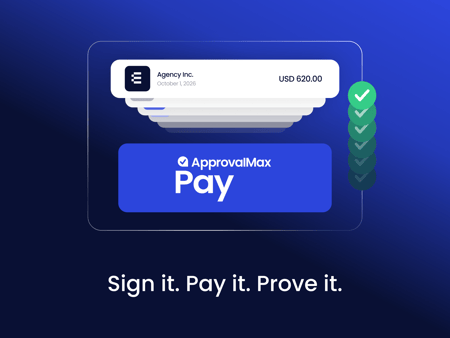
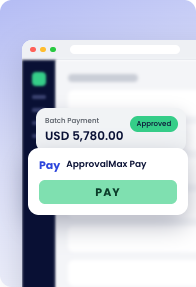
Moving from a manual payment run to a controlled one is simpler than it sounds. It takes one thing: every approved bill gets paid in the same place it was approved. No tab switching, no exported file, no second system. With ApprovalMax Pay, the approval trail follows the bill all the way to the payment portal, with every step connected and every decision on the record.
Here's how that same week goes with ApprovalMax Pay.
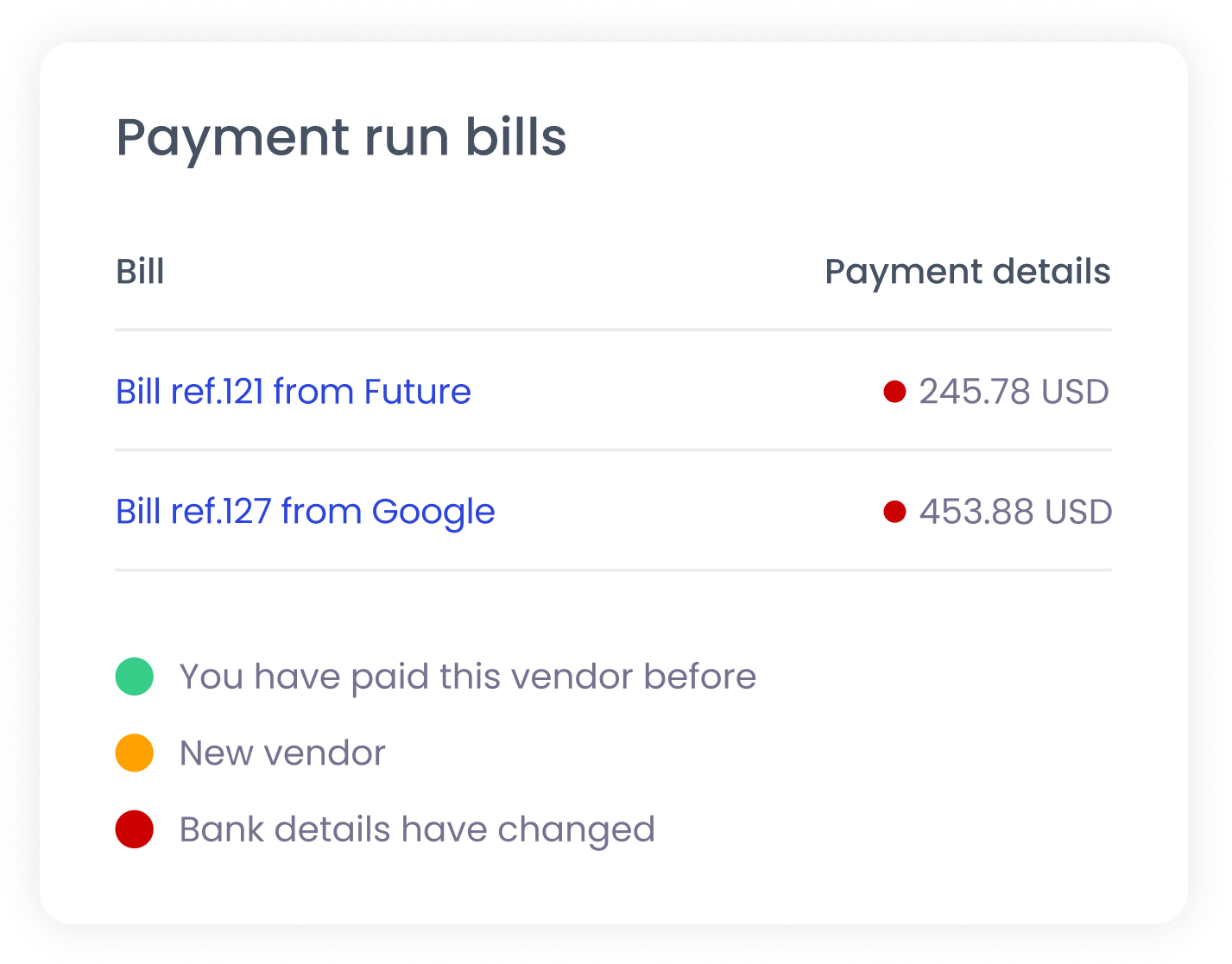 Traffic light system detects potential risks in payment details.
ApprovalMax Pay is incredibly useful for us. It simplifies payments through secure batch processing, saving time on tracking and approvals. Having everything in one app reduces hassle and enhances security, making it easier than manual bank payments.Finance manager, Real estate company
With ApprovalMax Pay, one record covers the whole route from bill to payment, and that's the record an auditor reads when they want to know who authorized this. It gives your CFO a single place to show the board what was approved against what went out, whenever they're asked. And your finance team never has to dig through old emails to prove any of it.
Now available for US businesses using QuickBooks Online.