


 Ask Perplexity


Last updated: November 23, 2026
Plenty of small businesses pay vendors straight from the bank portal or by check. That works until someone else needs to approve bills before they go out, or until matching every payment back to QuickBooks by hand starts eating into your week.
For most small businesses on QuickBooks Online, the best bill pay software comes down to four options. BILL covers almost every payment method, including international. Melio has a free plan to start on. If you already use Ramp's corporate cards, its bill pay is the natural fit. And ApprovalMax is the one to look at if bills need sign-off from more than one person before they're paid.
Bill pay software is an application that lets a business receive vendor bills, schedule and send payments by ACH, instant transfer, check or card, and record each payment in its accounting system automatically.
Compare that with paying from your bank portal. The bank moves the money, but it has no idea which bill the payment belongs to, so someone re-keys the payment into QuickBooks later. Checks add printing, signing, postage and a few days of not knowing whether the vendor has cashed it. Bill pay software keeps the bill, the payment and the accounting entry together, so you can look up any payment in one place.
Look at six things: whether bills can be approved before payment, which payment methods you get, how well it syncs with QuickBooks Online or Xero, whether you can pay bills in a batch, what each payment costs, and what stops a fraudulent bill from being paid.
A bill approved in an email thread can't be audited. Check whether approvals happen inside the software, whether you can require more than one approver above a set amount, and which plan tier includes them. Several tools on this list reserve approvals for their higher-priced plans.
Standard ACH covers most US vendor payments. Same-day ACH and instant payments (including RTP, the Real-Time Payments network) cost more but help when a vendor is waiting. If some of your vendors still want paper checks, make sure the tool mails them, and look at the per-check fee.
You want bills to come in from your accounting system and payments to go back automatically, matched to the right bill. Watch for plans where sync means downloading a CSV file and importing it yourself.
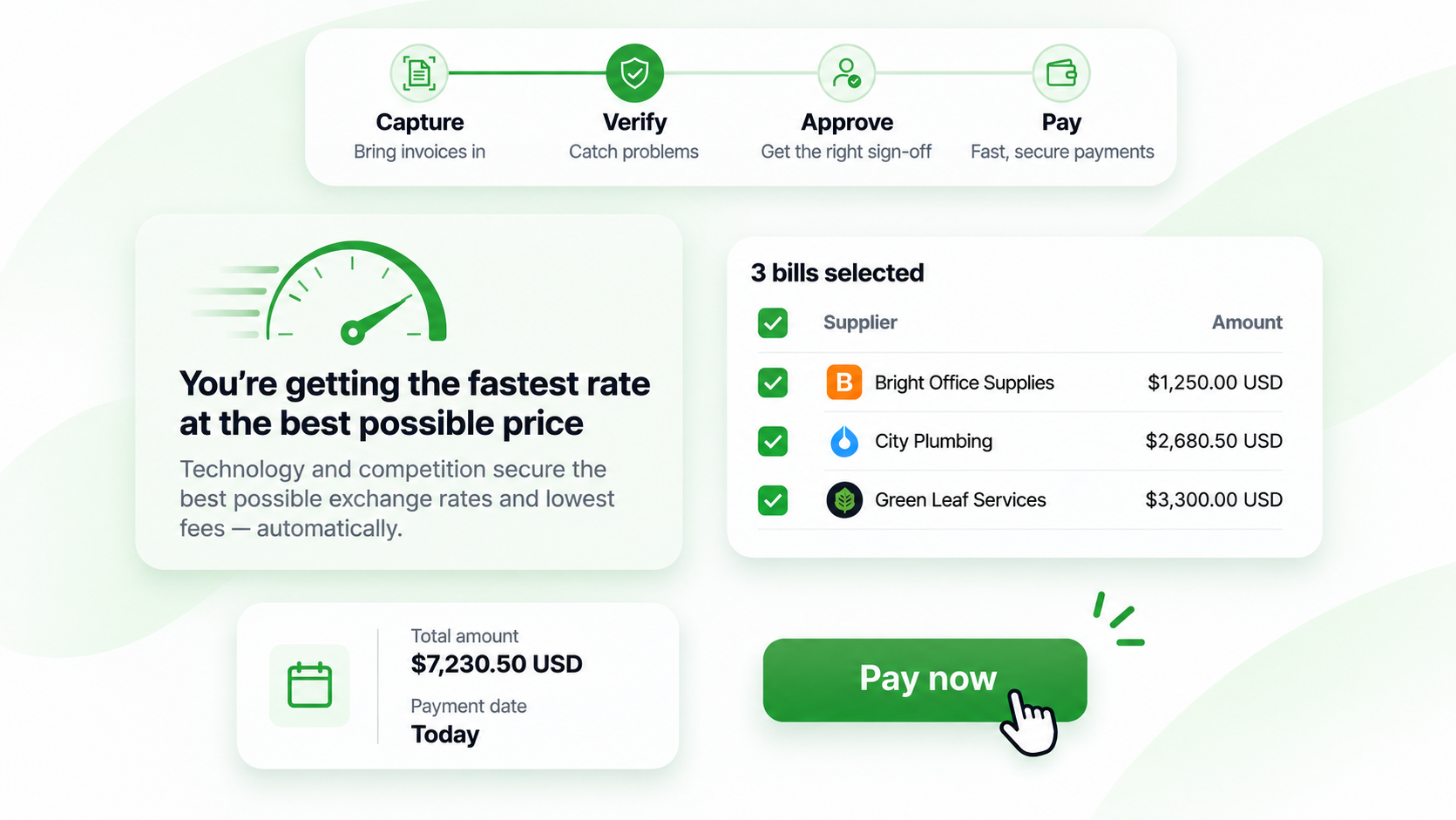
If you pay vendors in a weekly run, paying 30 bills one at a time takes a while. Batch payments let you select a group of approved bills and pay them together.
The subscription is only part of the cost. Add the per-payment fees for the methods you use most. A tool with a cheaper plan can cost more each month once ACH, check and instant-payment fees are counted.
The common risks are a bill from a fake vendor, a duplicate bill, or a changed bank account on a real vendor. Separate roles help here: when the person who enters a bill can't also release the payment, one compromised inbox isn't enough to move money.
These six tools are third-party bill pay software that serves US small businesses on QuickBooks Online, and each publishes enough about its pricing and features to compare fairly. QuickBooks Online also has its own built-in bill pay; this list covers the dedicated tools that connect to it. Every price and fee below comes from the vendor's own website as of November 23, 2026. Prices change often, so confirm them before you buy. Review scores come from G2 and Capterra on the same date, both of which check that reviewers are business users of the product.
ApprovalMax is our product. It's included here alongside its alternatives, with the same template and the same watch-outs section as everything else.
| Tool | Best for | Payment methods | Accounting sync | Approvals | Pricing model |
|---|---|---|---|---|---|
| ApprovalMax | Multi-step approval before payment | ACH, RTP, international | QuickBooks Online, Xero | Multi-step approval workflows | Per-organization plan by document volume, unlimited approvers; Pay included, fee per payment |
| BILL | A dedicated, all-methods AP platform | ACH, faster ACH, instant, check, card, virtual card, international | QuickBooks Online, Xero (CSV on Essentials) | Standard on all plans; custom from Corporate | $49-$89 per user per month, plus per-payment fees |
| Melio | A free start that scales by plan | ACH, same-day ACH, instant, check, wire, card, international | QuickBooks Online, Xero | Paid plans | Free Go plan; paid plans $25-$80 a month |
| Tipalti | High-volume and international payables | ACH, wire, check, local methods in 200+ countries | QuickBooks and other ERPs | Included | From $99 a month, plus transaction pricing |
| Ramp | Businesses already using Ramp cards | ACH, same-day ACH, check, wire, card | QuickBooks Online, Xero | Configurable on Free; release approvals on Plus | Free plan; Plus $15 per user per month plus platform fee |
| Plooto | Unlimited users at a flat plan price | ACH, EFT, check, card, cross-border | QuickBooks Online, Xero (two-way) | Approval rules on all plans | Flat monthly plan from $32, plus per-payment fees |
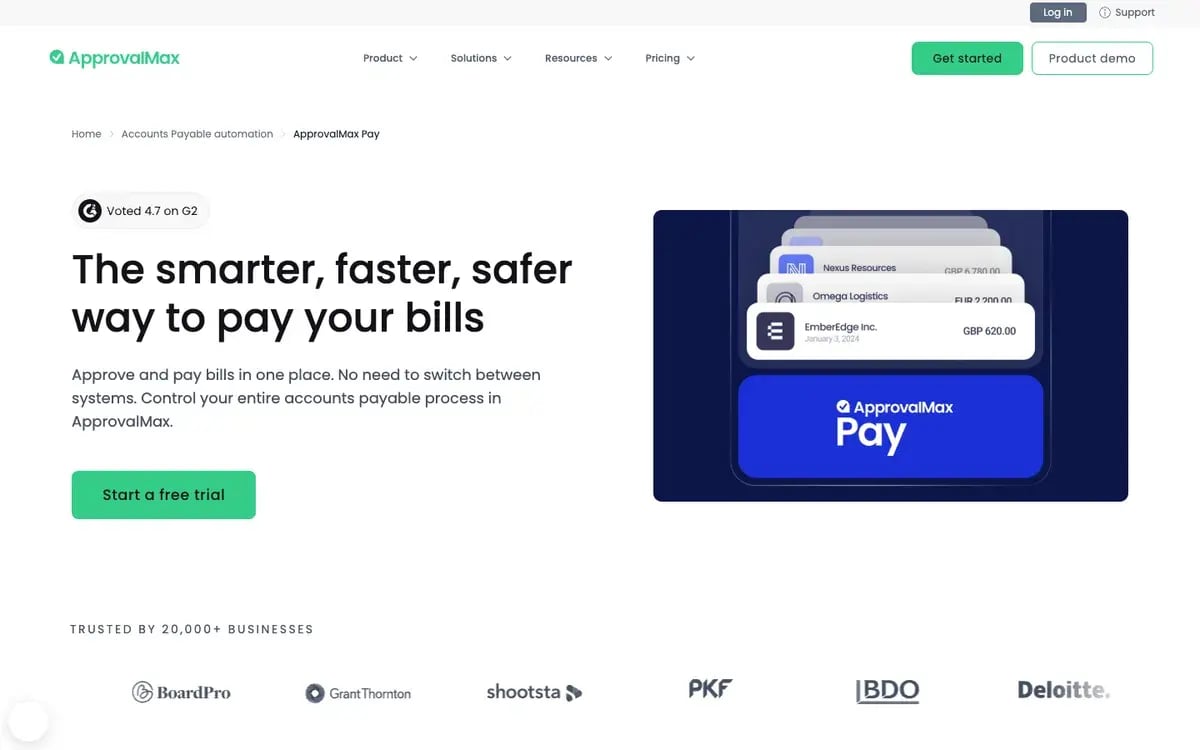
Best for: small businesses on QuickBooks Online (US) or Xero where bills need sign-off from more than one person before they're paid.
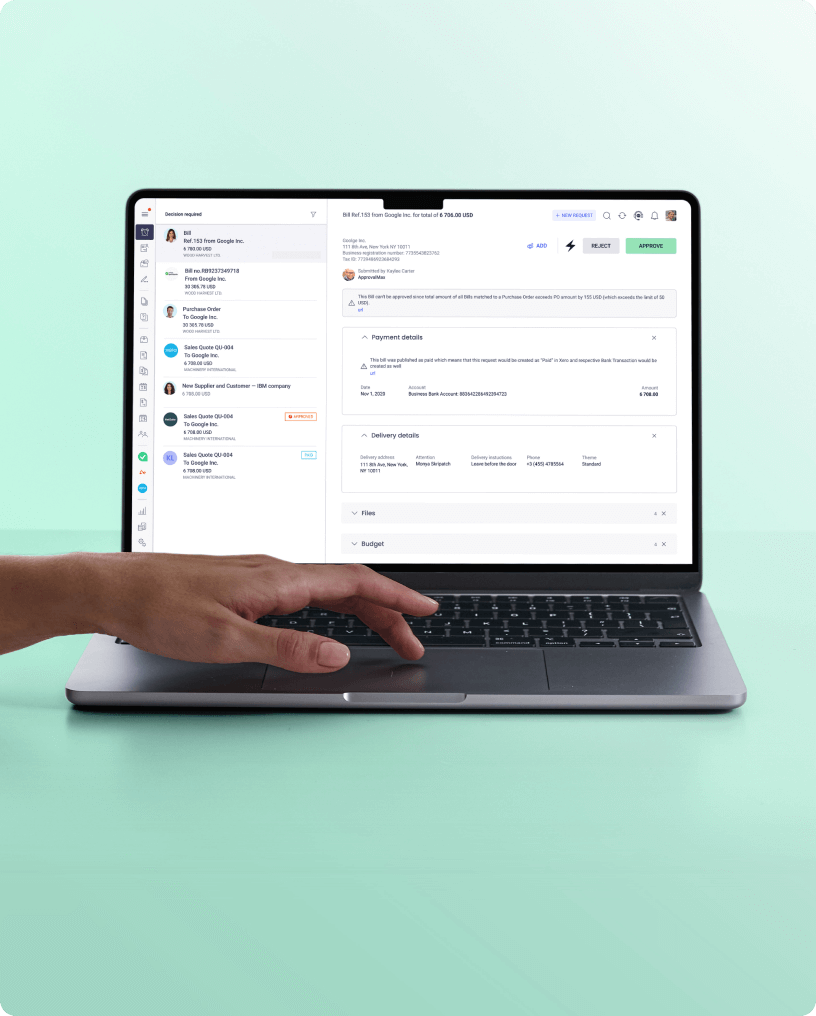
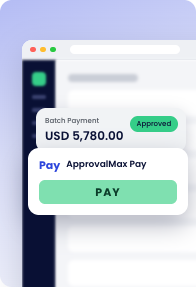
Key features: In ApprovalMax, payment sits at the end of the approval workflow. Every bill follows the approval route you set, by amount, vendor or department, and with ApprovalMax Pay you can approve and pay bills in one place. US businesses on QuickBooks Online pay vendors by ACH or RTP (instant payments), one bill at a time or up to 200 bills in a batch. Payments sync back to QuickBooks Online. Role-based permissions separate the people who prepare, approve and release a payment, and the fee is shown before you confirm.
Pricing: ApprovalMax Pay is included in the Standard, Advanced and Premium plans, so there's no extra subscription for payments. Standard ACH costs $0.49 per payment. Plans are priced per organization, based on how many documents you process each month, with unlimited approvers. Current US prices are on the ApprovalMax pricing page, and there's a 14-day free trial.
Watch-outs: If you pay a handful of bills a month and nobody else needs to sign off, ApprovalMax is more control than you need, and a free plan such as Melio Go will cover it. Pay's published methods are electronic, so it isn't the tool for mailing paper checks. In the US, Pay works with QuickBooks Online; for Xero, Pay is available to UK organizations.
What reviewers mention: G2 4.6/5 from 100 reviews and Capterra 4.7/5 from 30. Reviewers praise the Xero integration and the audit trail. Complaints mention workflows that take effort to change once they're running, some features being limited to the Premium plan, and a clunky search.
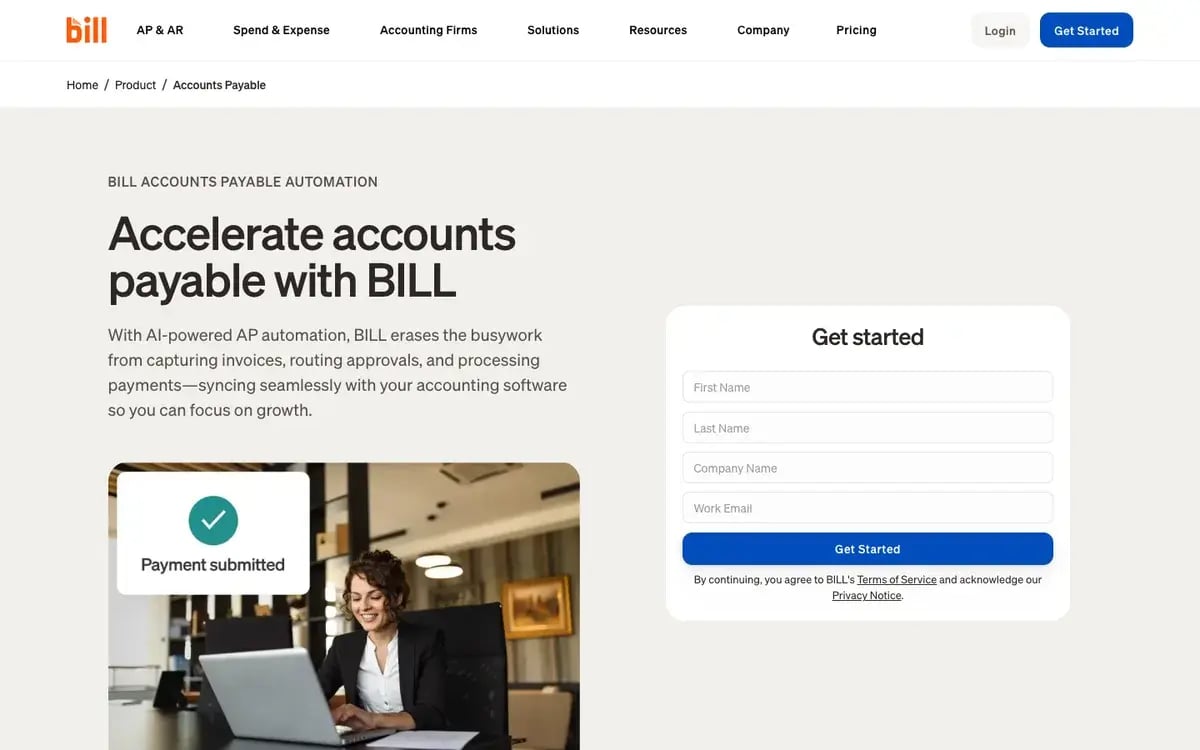
Best for: businesses that want a dedicated accounts payable platform covering every payment method, including international.
Key features: BILL (formerly Bill.com) pays vendors by standard ACH, faster ACH, instant payment, check, card, virtual card and international wire or local transfer. All plans include approval policies. The Corporate plan adds custom approval policies, and Enterprise adds dual control. Team plans and above sync automatically, both ways, with QuickBooks Online and Xero.
Pricing: Essentials is $49 per user per month, Team $65, Corporate $89, and Enterprise is quoted. Payer fees: $0.59 for standard ACH, $1.99 per check, $11.99 for faster ACH, and 1% for instant payments (minimum $9.99, maximum $100). Virtual card payments are free.
Watch-outs: Model the per-user cost before you choose BILL. Three people on the Team plan cost $195 a month before any payment fees, and discounted approver-only seats are available only from the Corporate plan up. Purchase orders and two-way matching are included from Corporate; on Essentials and Team they come through a Procurement add-on. On Essentials, the QuickBooks Online and Xero connection is a CSV import and export, not an automatic sync.
What reviewers mention: G2 4.4/5 from about 1,800 reviews and Capterra 4.1/5 from 563. Reviewers praise how easy it is to use and the QuickBooks integration. The most common complaint on G2 is sync problems with accounting software, and Capterra reviewers rate its customer support lower than the product overall (3.8 out of 5).
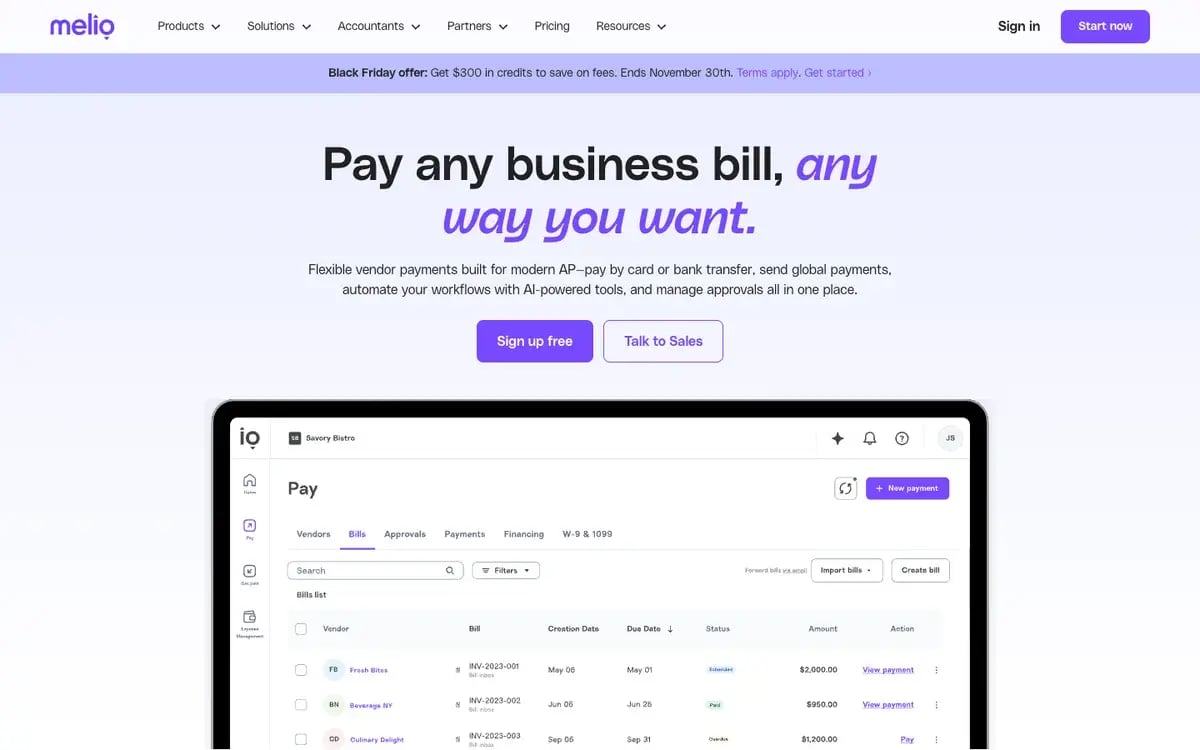
Best for: small businesses that want to start free and move up a plan as payment volume grows.
Key features: Melio pays by ACH, same-day ACH, instant transfer, check, wire, card and international transfer, and syncs with QuickBooks Online and Xero. Paid plans add batch payments and custom approval workflows, set by vendor or as gradual approvals.
Pricing: The Go plan is free for one user, with 5 free ACH payments a month. Core is $25 a month ($20 billed annually) with 20 free ACH payments, Boost is $55 ($44) with 50, and Unlimited is $80 ($64) with unlimited ACH and users. After your allowance, standard ACH is $0.50. Checks cost $1.50 and card payments 2.9%.
Watch-outs: The free plan is limited to one user and has no approval workflows. On Core, each extra user costs $10 a month ($8 billed annually), so a four-person team on Core pays $55 a month before payment fees. Melio doesn't list multi-level approval on its pricing page, so check how many approval steps your plan allows before you commit.
What reviewers mention: G2 4.4/5 from 248 reviews and Capterra 4.2/5 from 405. Reviewers like how easy it is to use, the free ACH payments and the QuickBooks sync. Complaints focus on slow email support and fees on faster transfers and card payments.
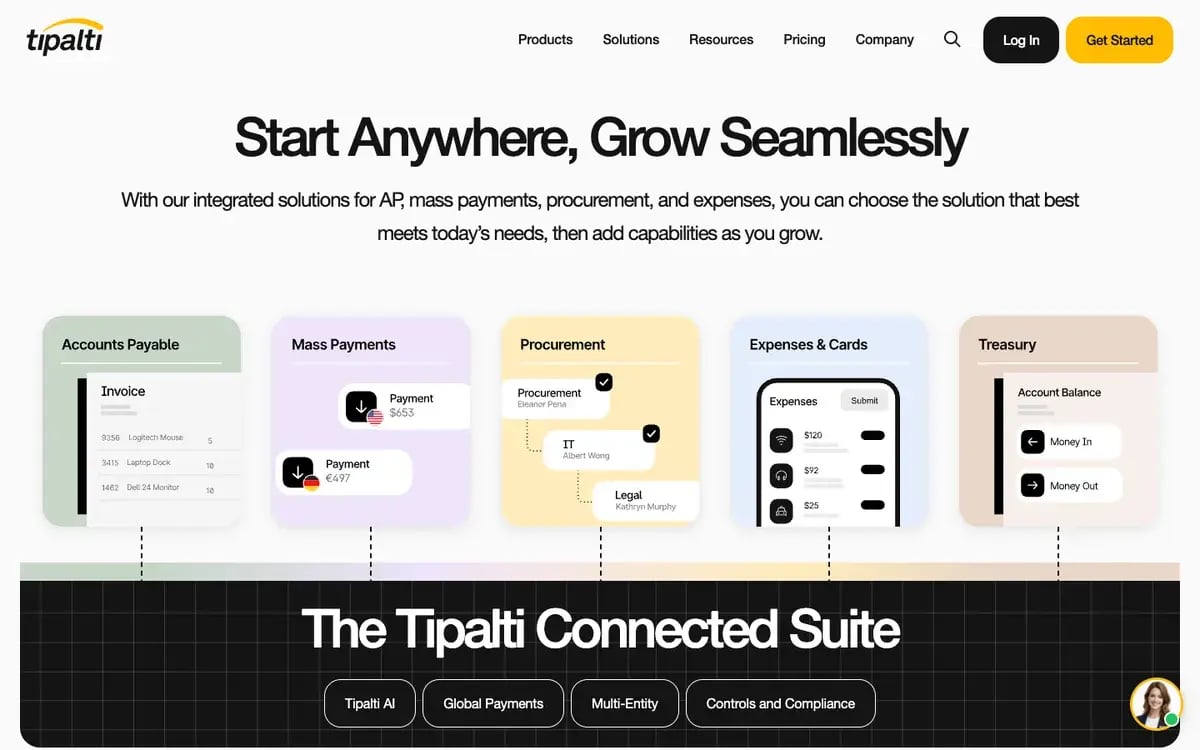
Best for: businesses with high payment volumes or many international vendors.
Key features: Tipalti pays by ACH, wire, check and its own card, plus local payment methods in more than 200 countries and territories. A separate Mass Payments product handles large batches. Approvals are included, and there are no per-user or per-approver fees.
Pricing: Accounts Payable starts at $99 a month and Mass Payments at $249 a month, with higher tiers quoted. Tipalti doesn't offer a free tier.
Watch-outs: There's no free version, and the $99 starting price is a base platform fee. Tipalti adds fees based on your payment volume, number of entities and the modules you turn on, so you'll need a quote to know your real monthly cost. If you pay 20 domestic vendors a month, that's likely more platform than you need. Confirm your accounting system is supported before you start a sales conversation.
What reviewers mention: G2 4.5/5 from about 430 reviews and Capterra 4.5/5 from 179. Reviewers praise its AI invoice coding and ERP integrations. Complaints focus on cost and a learning curve for smaller teams.
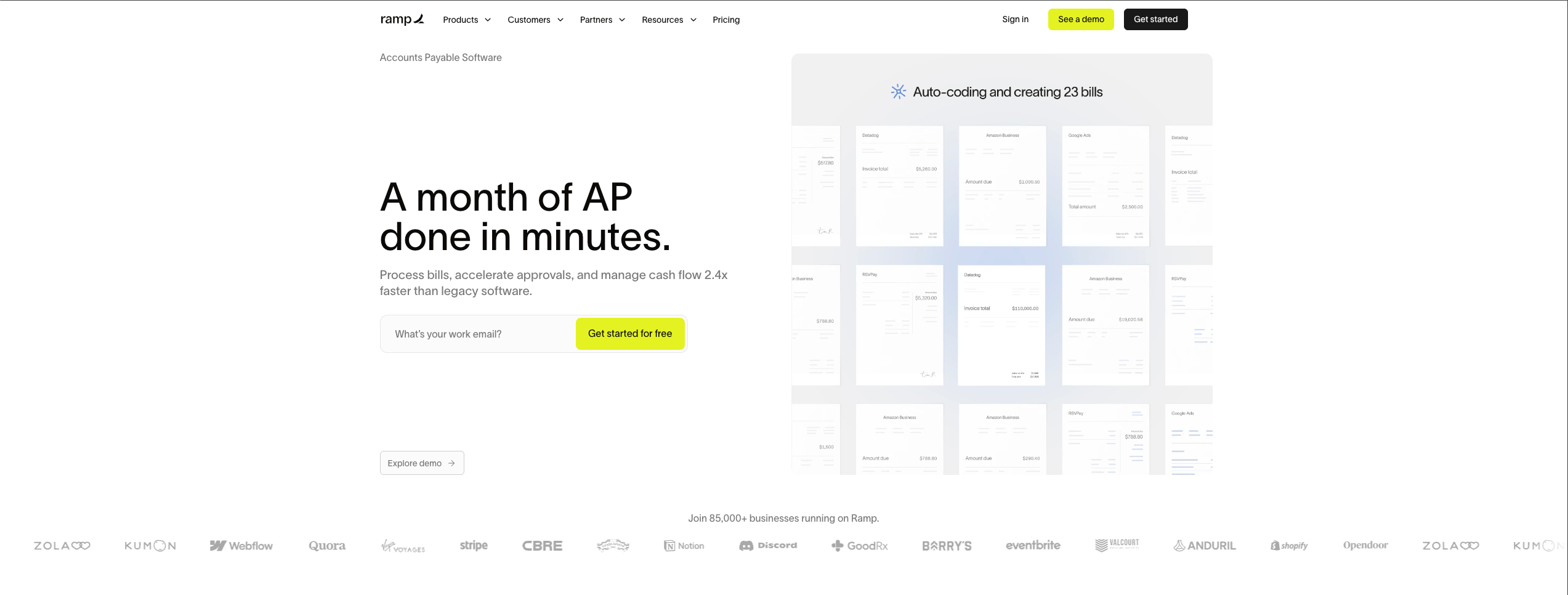
Best for: businesses that already use, or plan to use, Ramp's corporate cards and Ramp Checking.
Key features: Ramp's bill pay sends ACH, same-day ACH, check, wire and card payments. The Free plan includes configurable approval workflows and syncs with QuickBooks Online and Xero. Ramp Plus adds payment release approvals, AI approval recommendations and automated batch payments.
Pricing: The Free plan costs $0 per user. Plus is $15 per user per month plus a platform fee based on team size; the platform fee amount isn't published. As of June 1, 2026, standard ACH is $0.59 and standard checks $1.99. Same-day ACH is $10 and domestic wires $15. Several of these fees are waived when you pay from a Ramp Checking account.
Watch-outs: Not every small business qualifies. Ramp requires a US-registered corporation, LLC or LP with at least $25,000 in cash in a linked US business bank account, and it doesn't accept sole proprietors. Batch payments and separate release approvals are on Plus, not Free, and purchase orders with three-way matching are a Procurement add-on to Plus. Your fees also depend on whether you move your operating cash into Ramp Checking.
What reviewers mention: these ratings cover Ramp as a whole, not bill pay alone. G2 shows 4.8/5 from 2,583 reviews. Reviewers praise the clean, easy interface and the QuickBooks integration.
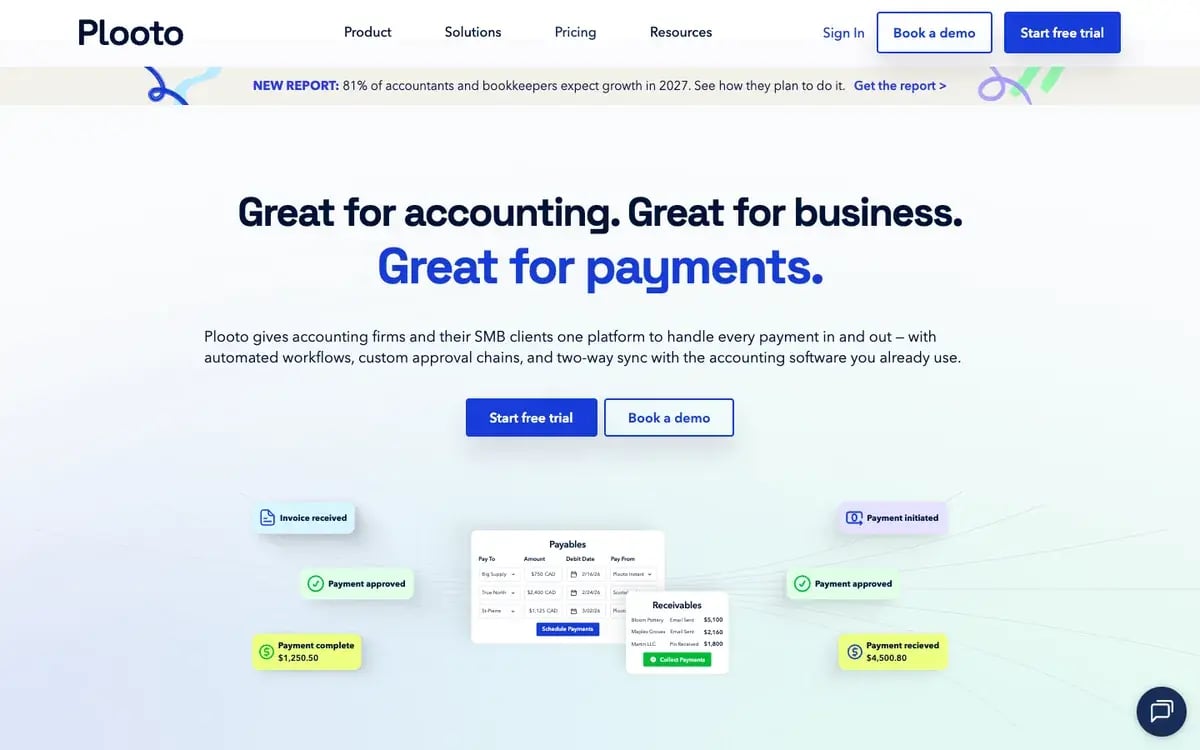
Best for: small teams that want unlimited users on a flat plan price.
Key features: Plooto syncs both ways with QuickBooks Online and Xero on every plan and includes Mass Pay for batch payments. The Grow plan allows unlimited approval rules and approvers, set by account or amount. Pro adds control over who can change those rules.
Pricing: Grow starts at $32 a month and Pro at $99 a month, both with unlimited users. ACH payments cost $1 each, and card payments 2.9%.
Watch-outs: Plooto's US pricing page is the same as its Canadian one and lists Canadian payment types such as EFT and CRA payments, so ask Plooto to confirm US dollar pricing and which US payment methods you'll get before signing up.
What reviewers mention: G2 4.4/5 from 91 reviews and Capterra 4.3/5 from 245. Reviewers praise the accounting integration and multi-approver workflows. Complaints focus on customer support and the move to subscription pricing.
Dedicated bill pay software is worth paying for once more than one person touches a bill before it's paid. If you approve and pay every bill yourself, almost any tool on this list will do, and a free plan may be enough.
Typical tipping points:
When two or more of these apply, compare each tool's total monthly cost, fees included, against the plan tier that includes the controls you need. (For a wider view of the category, see our guide to accounts payable software for small businesses.)
You need approvals before payment as soon as the person paying a bill isn't the person who agreed to the purchase. Without them, any bill that reaches the payment queue can be paid, including a duplicate, an inflated invoice or a bill whose vendor bank details changed last week.
A good approval setup answers three questions about every payment: who approved the bill, who released the money, and when. If they're recorded in the same tool that sent the payment, you can answer an accountant's question by looking it up. If they're spread across email, chat and a bank portal, you end up piecing it together from memory.
Approvals also protect the people doing the paying. When the software won't release a payment until the right approver has signed off, nobody has to decide on the spot whether an urgent-sounding email from "the CEO" is real. (If you're setting one up, see our guide to designing an accounts payable approval process.)
So if more than one person is involved in paying your bills, keep the approval step in the same tool as the payment. Then every payment has a recorded approver.
It depends on what you need beyond sending money. BILL covers every payment method in one dedicated platform. Melio offers a free plan and paid tiers as volume grows. Ramp suits businesses already using its cards. ApprovalMax suits businesses that need multi-step approval before any bill is paid.
Melio's Go plan is free for one user, with 5 free ACH payments a month. Ramp's Free plan costs $0 per user and includes configurable approval workflows. Both charge extra for some payment methods, such as same-day ACH or checks, and both move key features like batch payments to paid plans.
Yes. BILL, formerly Bill.com, is a publicly traded company listed on the New York Stock Exchange under the ticker BILL. It offers accounts payable, accounts receivable and spend management software, and integrates with QuickBooks Online and Xero. As with any payment provider, compare its per-user pricing and per-payment fees with your expected volume.
Yes. All six tools here connect to QuickBooks Online. Plooto syncs both ways on every plan, BILL syncs automatically from its Team plan up (Essentials uses CSV import and export), and ApprovalMax Pay syncs payments back to QuickBooks Online. Check the plan tier, because sync depth often depends on it.
Yes, most bill pay software supports batch payments. ApprovalMax Pay pays up to 200 approved bills in one batch. Melio includes batch payments on its paid plans, Ramp on its Plus plan, Plooto through Mass Pay on every plan, and Tipalti through its Mass Payments product. Check which plan tier includes batches before you buy.
Bill pay software focuses on paying vendors and recording payments in your accounting system. AP automation covers the wider accounts payable process, including capturing bills, matching them to purchase orders, routing them for approval and then paying. Many bill pay tools now include some AP automation. (See our roundup of the best accounts payable automation software.)